

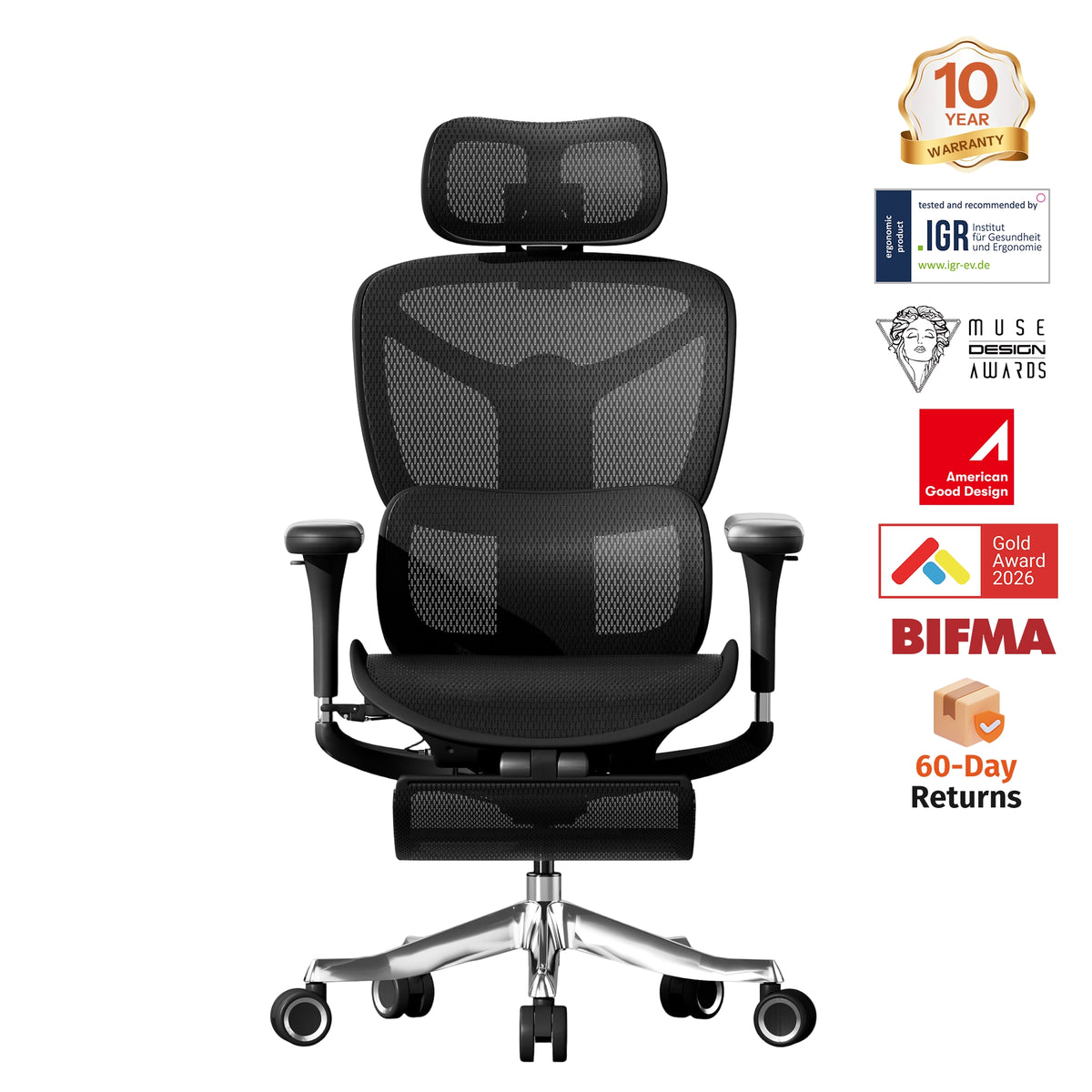
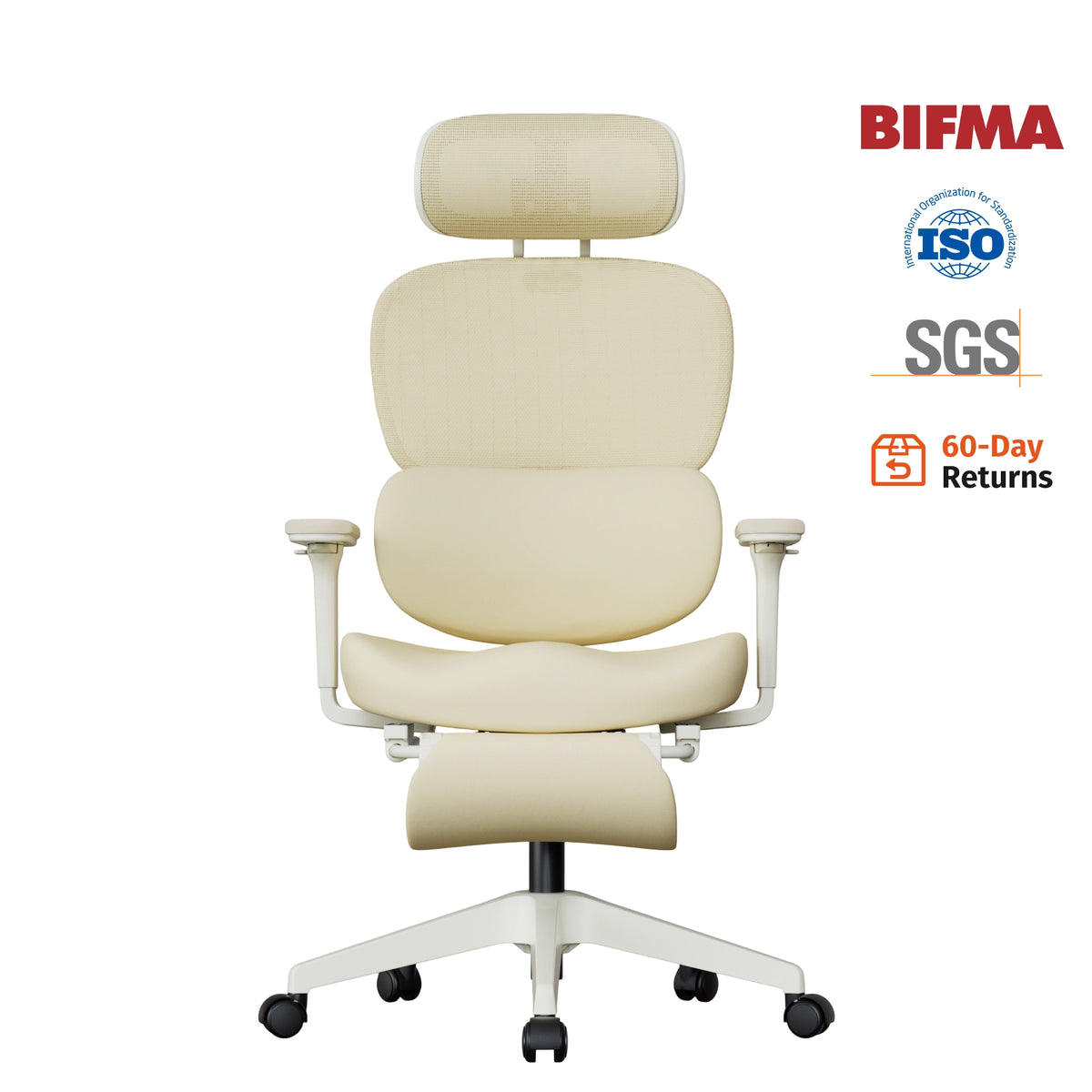
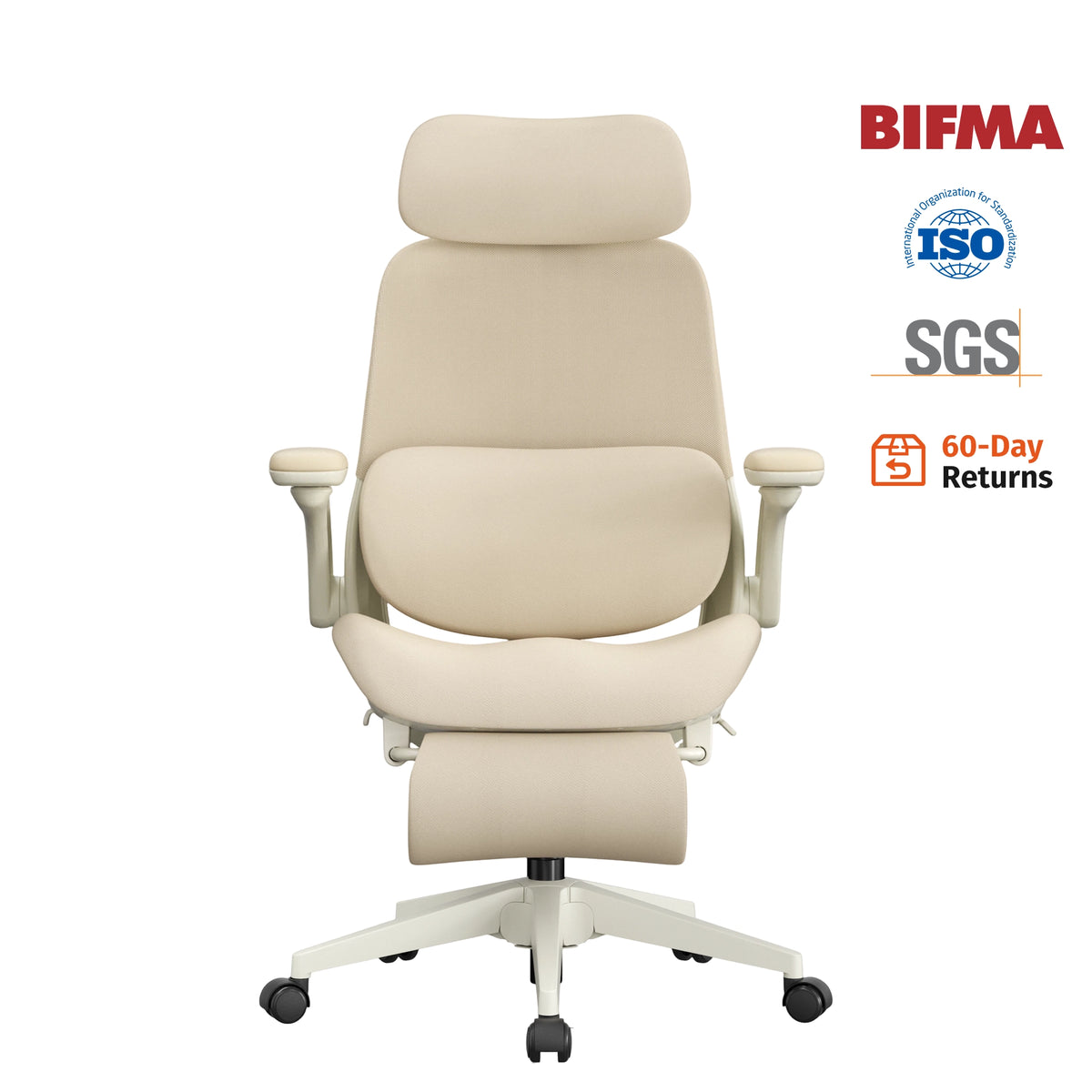
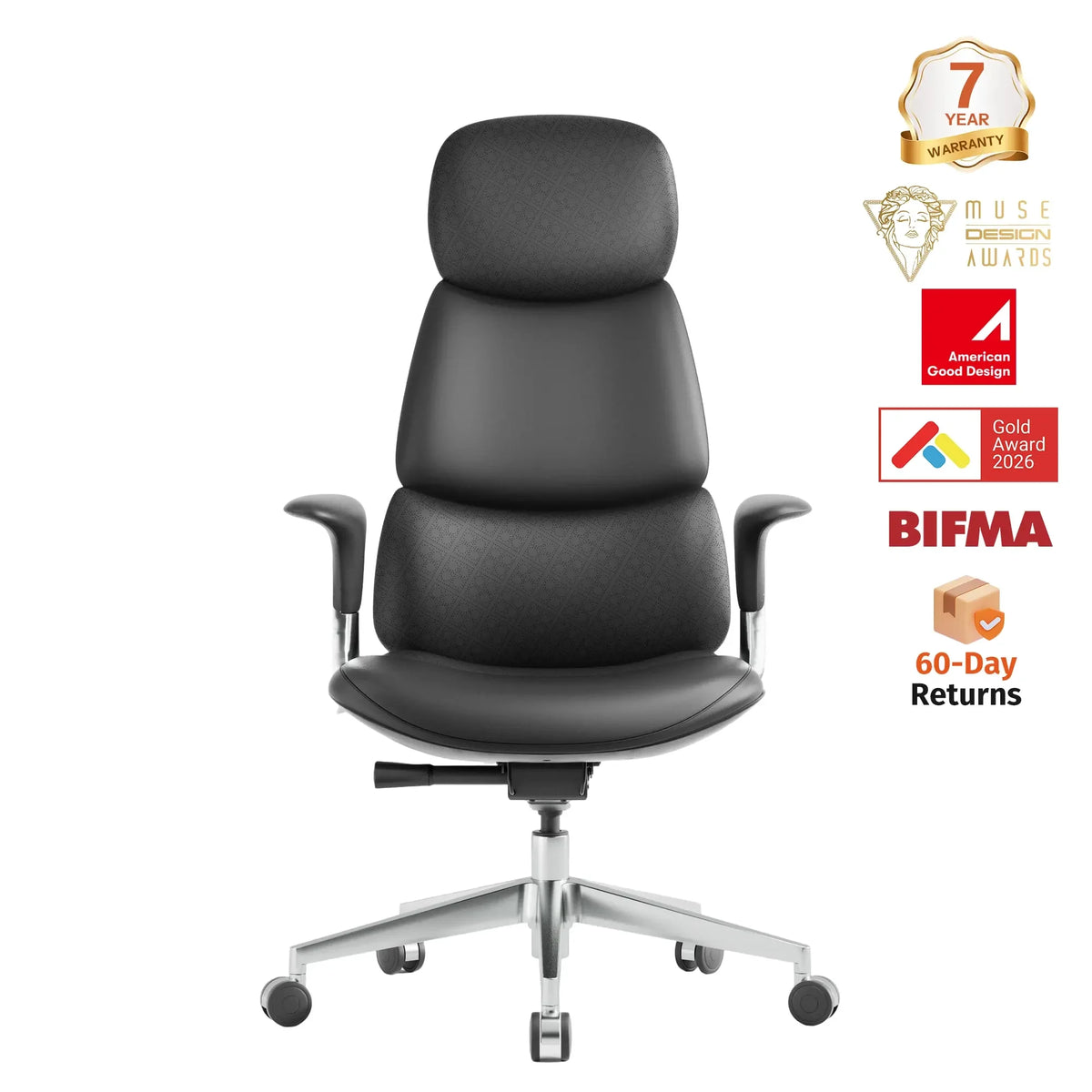
Detailed Breakdown of Ergonomic Office Chair Features: Which Adjustments Are Truly Important?
When choosing an ergonomic chair, many people first look at how many adjustments a product offers: 4D armrests, adjustable lumbar support, headrest, multi-position recline, seat depth adjustment... But more features don't necessarily make a chair more comfortable. What truly matters is whether these ergonomic features match your body shape, work style, and daily sitting posture.

For people who spend long hours in front of a computer every day, a good ergonomic office chair should provide stable support while allowing the body to change postures naturally. Instead of simply chasing complex features, it is better to prioritize a few core designs that truly impact your posture and daily comfort.
Which Ergonomic Chair Features Matter Most?
When prioritizing based on actual daily use, seat height, lumbar support, seat depth, and armrest adjustment should generally come first, while backrest tilt can further enhance the dynamic seating experience.
|
Key Features |
Key Benefits |
|---|---|
|
Seat Height Adjustment |
Establishing a Stable Seating Foundation |
|
Seat Depth Adjustment |
Improving Thigh Support and Leg Fit |
|
Adjustable Armrests |
Helping Keep Shoulders and Arms Relaxed |
|
Backrest Recline |
Allowing the Body to Change Postures While Working |
|
Headrest and Footrest |
Comfort Features Tailored More Toward Specific Postures |
|
Lumbar Support |
Providing Proper Support for the Lower Back |
Seat Height: The First Step in Ergonomic Chair Adjustment
An ideal seat height allows your feet to rest flat on the floor, with your knees level with or slightly lower than your hips, providing proper thigh support. You should also be able to lean comfortably against the backrest without feeling pressure on the back of your knees from the front edge of the seat.
If the seat is too high, your feet may not rest stably on the ground, placing excess pressure on the backs of your thighs. If the seat is too low, your hips may drop significantly below your knees, disrupting the natural alignment of your lower back.
Therefore, when setting up an ergonomic office chair, it is best to adjust the seat height first before tweaking other features like lumbar support, seat depth, and armrests.
Lumbar Support: Important, but Complex Isn't Always Better
The primary purpose of an ergonomic chair's lumbar support is to fill the gap between your lower back and the backrest, providing proper support for the lumbar region. It's worth noting that a lumbar support isn't necessarily better just because it protrudes more or features complex multi-way adjustment mechanisms.
Some ergonomic chairs feature a well-designed fixed lumbar curve that effectively meets the support needs of many users. Other models offer height, depth, or firmness adjustments to accommodate different body types.

If you choose an adjustable lumbar support, focus on two key aspects: whether the support location aligns with your lower back's natural curve, and whether the support intensity feels comfortable. The goal of lumbar support is not to forcibly push your lower back forward, but to provide stable, moderate support while maintaining a natural sitting posture.
Seat Depth: Often Overlooked, Yet Crucial
When the seat is too deep, the front edge can press against the back of your knees, causing you to slide forward unconsciously and lose effective contact with the backrest. Conversely, if the seat is too shallow, it fails to fully support your thighs, leading to fatigue over extended periods of sitting.
Ideally, the seat should support most of your thighs while leaving a small gap between the front edge of the seat and the back of your knees.
Therefore, seat depth adjustment is particularly important for individuals with smaller frames or unique leg lengths. Compared to simply increasing seat cushion thickness, proper seat depth often plays a far greater role in long-term seating comfort.
Adjustable Armrests: Improving Shoulder, Neck, and Upper Body Posture
An ergonomic chair's armrests should offer height adjustment at a minimum. For greater personalization, features like width, depth, and angle adjustments can also be considered.
However, advanced options like 4D or 5D armrests depend on personal preference and whether you actually need multi-functional adjustability. What truly matters is that the armrests align with your desk height, allowing your shoulders to remain naturally relaxed and your elbows to be comfortably supported.
Backrest Recline: Don't Keep Your Body in One Posture All Day
Staying in the exact same position for long periods causes physical fatigue. Therefore, a good adjustable ergonomic chair should allow users to change the backrest angle when transitioning between working, reading, attending meetings, and resting.
A more upright posture is ideal for typing and focused tasks; a moderate recline works well for general computer work; and a deeper tilt is better suited for reading or taking short breaks. The real value of a recline feature isn't just letting the chair lie flatter, but giving your body more freedom to shift postures throughout the day.
Are a Headrest and Footrest Necessary?
If you frequently recline to read, join long meetings, or rest in your chair, a headrest can provide a better experience. However, for users who mainly sit upright or lean forward while typing and using a mouse, a headrest is generally less important than seat height, seat depth, and lumbar support.
The same applies to footrests. In standard office settings, as long as your feet can rest flat and stably on the floor, an extra footrest is usually unnecessary. However, people who often recline to rest or use higher desks may benefit more from this feature.
Are More Ergonomic Chair Features Always Better?
Today, many products emphasize features like 4D armrests, multi-position recline, dynamic lumbar support, forward seat tilt, and seat depth adjustment. These functions do offer greater flexibility, but only if the user knows how to set them up and if they actually align with their specific needs.

If a chair features a dozen different adjustment options but lacks proper seat dimensions and structural support, the actual experience won't necessarily be better than a simpler, well-designed chair. Therefore, when choosing an ergonomic chair, follow this guiding principle: prioritize basic support first, evaluate adjustment range next, and consider additional features last.
How Should Different Groups Choose an Ergonomic Chair?
If you work at a desk for more than 8 hours a day, prioritize lumbar support, seat depth, and backrest recline. If lower back comfort is your main concern, focus on checking the lumbar support position and ensuring the overall fit of the chair. If you frequently experience shoulder and neck strain, you should evaluate armrest height, desk height, and monitor placement together.
For individuals with a smaller frame, pay special attention to whether the seat height range, seat depth, and armrest positions offer sufficient adjustability. Taller individuals, on the other hand, need to ensure that the seat height and depth provide adequate leg support.
Ergonomic Chair FAQs
What is the most important feature of an ergonomic chair?
For most desk workers, seat height, lumbar support, seat depth, and armrest adjustments should be the top priorities. Backrest recline is also essential for dynamic seating and changing posture throughout the day. Extras like headrests and footrests depend largely on personal preference and habits.
Does an ergonomic chair need an adjustable lumbar support?
Not necessarily. Lumbar support can be achieved through either an adjustable lumbar pad or a well-contoured, fixed backrest. The key isn't whether it moves, but whether the support's position, shape, and firmness align with your lower back's natural curve.
How Should You Select Seat Depth on an Ergonomic Chair?
The seat cushion should fully support most of your thigh while preventing the front edge from constantly pressing against the back of your knees.
- The 2-to-3 Finger Rule: When sitting all the way back against the lumbar support, there should be a gap of roughly 2 to 3 fingers (about 1–2 inches) between the front edge of the cushion and the back of your knees.
- Why Adjustability Matters: If a chair offers seat depth adjustment (sliding seat pan), you can fine-tune this distance to your exact leg length. This feature is especially beneficial for users with smaller frames or unique torso-to-leg proportions.
Do You Need 4D Armrests on an Ergonomic Chair?
4D armrests are nice to have, but they aren't strictly necessary for everyone.
- The Essential Adjustment: Height adjustment is the single most fundamental feature. As long as the armrests can be raised or lowered to match your desk height—allowing your shoulders to relax and elbows to rest at roughly 90 degrees—you have met the primary ergonomic requirement.
- When 4D is Worth It: Multidirectional adjustments (up/down, forward/back, pivot/angle, side-to-side) become valuable if you spend long hours typing, switch frequently between devices (keyboard, mouse, tablet, gamepad), or share the chair with users of different shoulder widths.
Is a headrest strictly necessary on an ergonomic chair?
Not necessarily. A headrest is more valuable for people who frequently recline to read, attend long meetings, or rest. If your main use is office work and typing, seat height, seat depth, lumbar support, and armrests should usually take priority over a headrest.
Which is better: a mesh ergonomic chair or a cushioned chair?
Neither is inherently superior. Mesh generally offers better breathability and provides a firmer, more adaptive feel, while foam cushioning tends to offer a softer, more traditional sit. When choosing, you should prioritize the chair's support mechanism, proper dimensions, and your working environment, rather than judging ergonomic performance solely by the seat material.
Can an ergonomic chair improve back or neck discomfort?
A properly fitted chair can enhance comfort during long work sessions by providing better structural support and promoting proper posture. However, an office chair should not be viewed as a full solution for all back or neck issues. Desk height, monitor position, keyboard and mouse placement, as well as taking regular active breaks, all play critical roles in your overall posture and physical health.
How can you tell if an ergonomic chair is right for you?
You can evaluate it from four key aspects: whether the seat height is appropriate, whether your lower back gets natural support, whether the seat depth matches your leg length, and whether the armrests allow your shoulders to remain relaxed. Building on this foundation, you can then consider additional features like recline, a headrest, or a footrest based on your personal work habits.


