

Can an Ergonomic Chair Help Correct Poor Posture? A Complete Guide to Better Sitting Habits and Spinal Health
Poor posture has become one of the most common health concerns among office workers, remote employees, gamers, and students. With many people spending 8 to 10 hours a day sitting at a desk, slouching, hunching over screens, and unsupported sitting positions can gradually lead to chronic discomfort and long-term musculoskeletal issues.

As awareness of workplace wellness grows, more people are turning to ergonomic office chairs as a solution. But can an ergonomic chair actually correct poor posture, or is it simply a more comfortable chair?
The short answer is yes—an ergonomic chair can significantly help improve posture when combined with proper sitting habits and workstation setup. In this guide, we'll explore how ergonomic chairs support posture correction, the science behind healthy sitting, and what features to look for when choosing the best ergonomic office chair.
Understanding Poor Posture: Why It Happens
Poor posture develops gradually over time. Many people don't realize they're sitting incorrectly until they begin experiencing symptoms such as:
- Lower back pain
- Neck stiffness
- Shoulder tension
- Hip discomfort
- Headaches
- Fatigue during work hours
- Reduced productivity
Common Causes of Poor Posture
Prolonged Sitting
Sitting for extended periods places significant pressure on the spine, particularly when the chair lacks proper support.
Improper Desk Setup
Monitors positioned too low, keyboards placed incorrectly, and desks that don't match chair height can encourage slouching and forward head posture.
Weak Core Muscles
The muscles that support spinal alignment can weaken over time, making it harder to maintain good posture naturally.
Unsupportive Seating
Traditional office chairs often lack lumbar support, adjustability, and ergonomic design, forcing the body into unhealthy positions.
Over time, these factors can contribute to rounded shoulders, forward head posture, spinal misalignment, and chronic discomfort.
What Is an Ergonomic Chair?
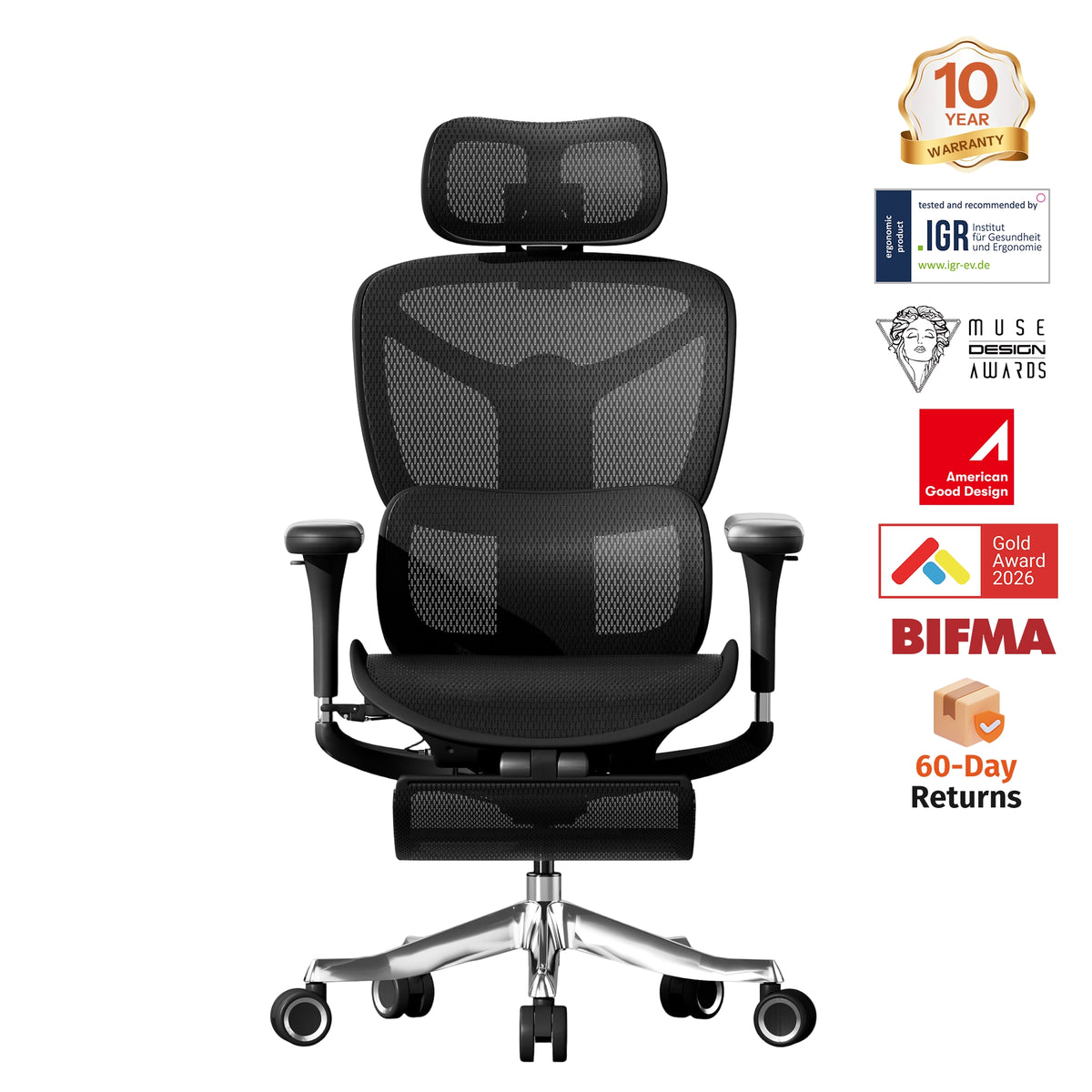
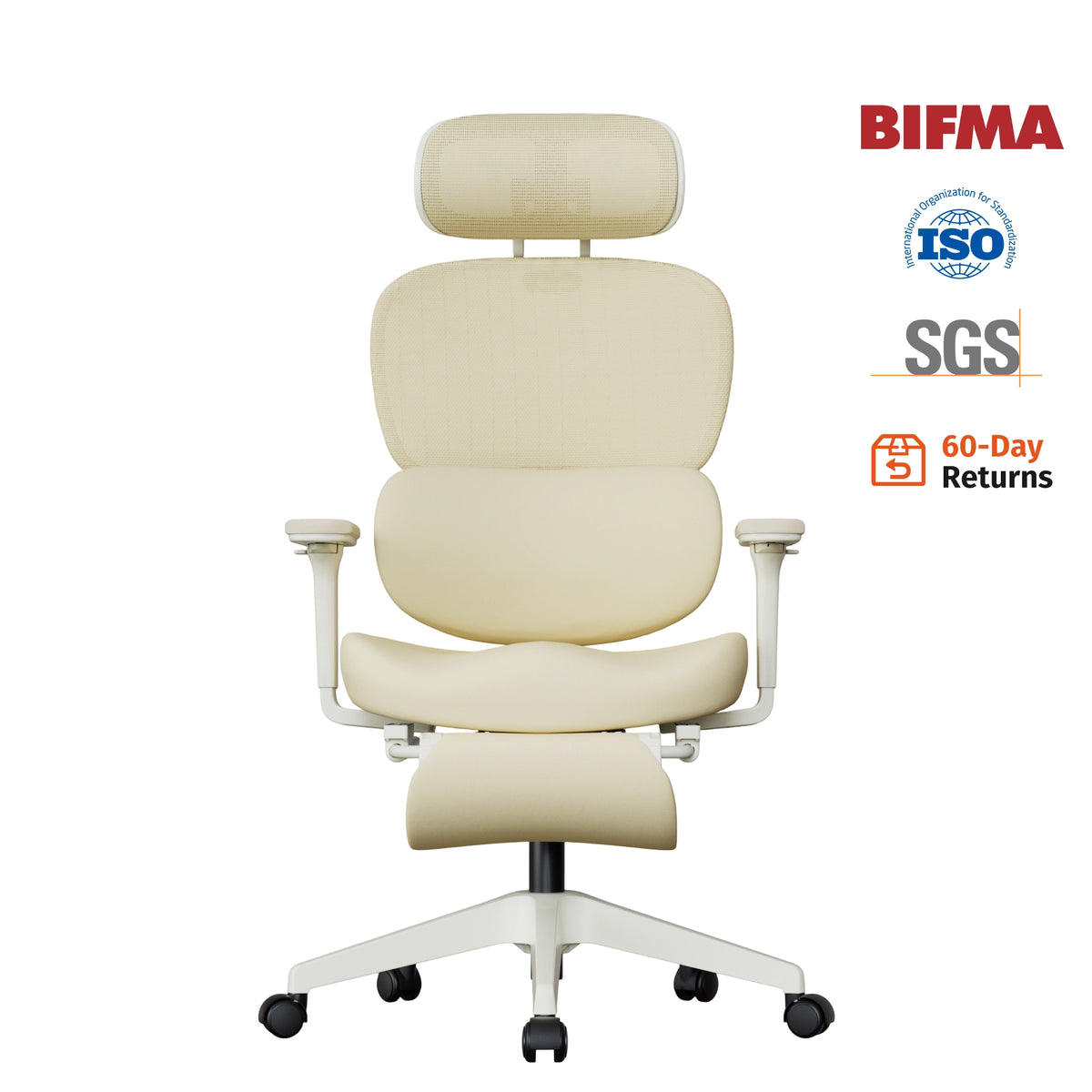
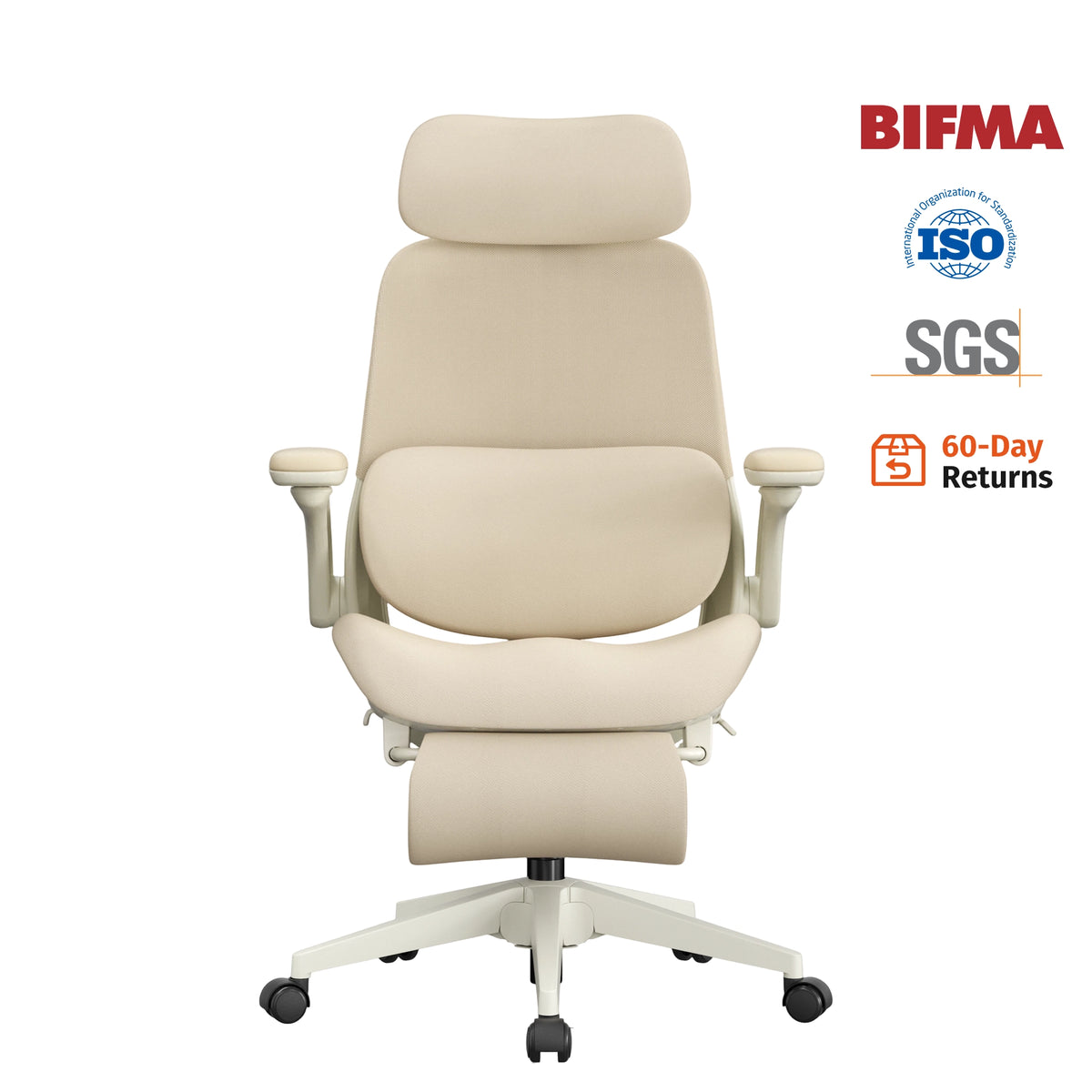
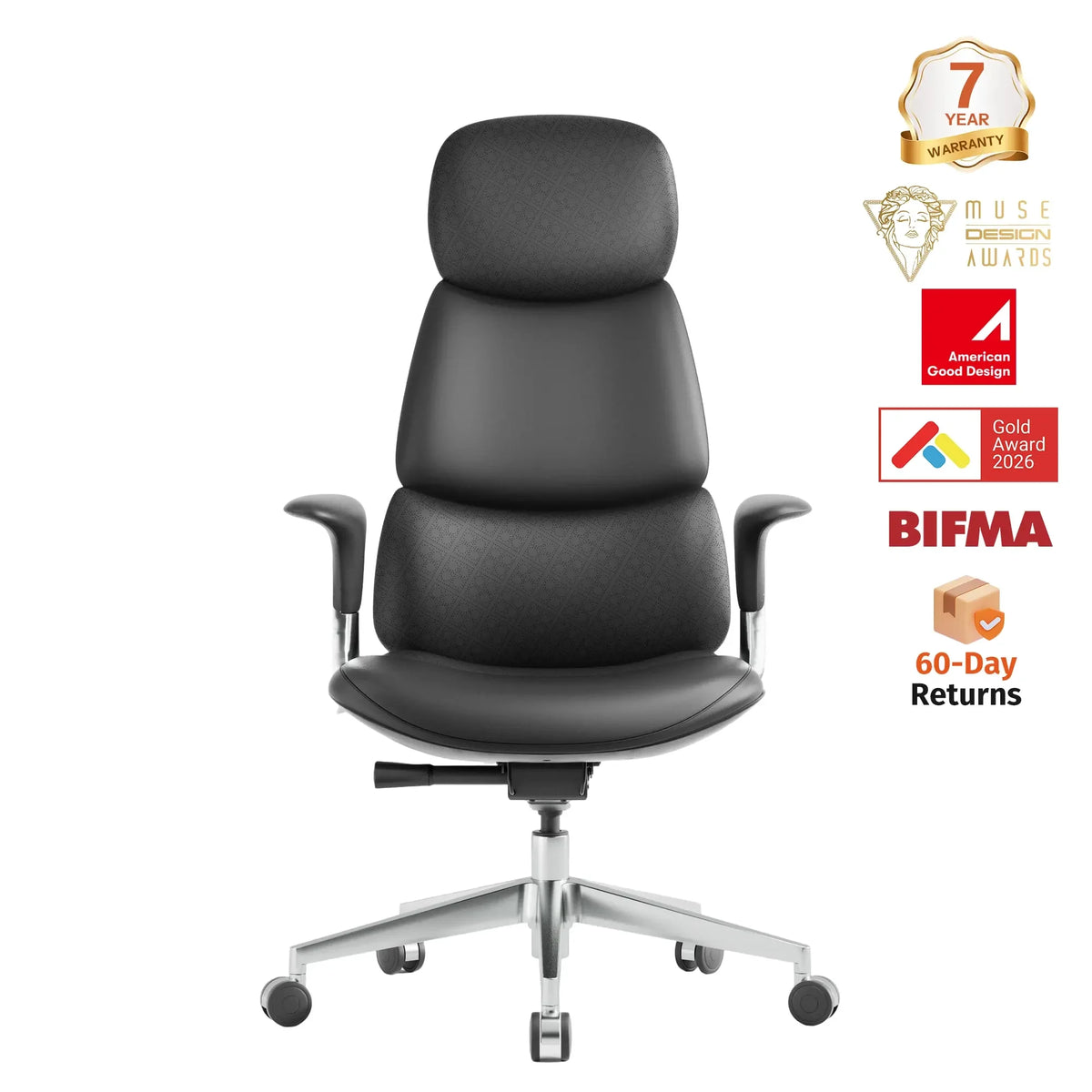
An ergonomic chair is specifically designed to support the body's natural posture and reduce physical strain during prolonged sitting.
Unlike standard office chairs, ergonomic chairs feature adjustable components that accommodate different body types and working styles.
Typical ergonomic chair features include:
- Adjustable lumbar support
- Height adjustment
- Adjustable armrests
- Reclining backrest
- Adjustable headrest
- Seat depth adjustment
- Breathable materials
- Dynamic movement support
These features work together to promote proper spinal alignment and reduce stress on muscles and joints.
How Ergonomic Chairs Help Improve Posture
1. Supporting the Natural Curve of the Spine
One of the most important functions of an ergonomic chair is maintaining the spine's natural S-shaped curve.
When sitting in a non-ergonomic chair, many people tend to round their lower back, causing the pelvis to tilt backward and placing excessive pressure on the lumbar spine.
An ergonomic chair with adjustable lumbar support helps maintain the natural inward curve of the lower back, encouraging a healthier sitting posture.
Benefits include:
- Reduced lower back strain
- Improved spinal alignment
- Less pressure on spinal discs
- Enhanced sitting comfort

2. Encouraging Upright Sitting
Many ergonomic office chairs are designed to naturally guide users into a more upright position.
The combination of lumbar support, adjustable backrests, and seat design discourages slouching while promoting a neutral spine position.
When the spine is properly aligned:
- Shoulders remain relaxed
- Head stays balanced above the shoulders
- Neck strain decreases
- Breathing improves
Over time, this encourages the body to develop healthier posture habits.

3. Reducing Forward Head Posture
Forward head posture has become increasingly common due to excessive screen time.
For every inch the head moves forward, the neck experiences significantly greater stress. This can lead to:
- Neck pain
- Shoulder tension
- Headaches
- Upper back discomfort
An ergonomic chair with a properly adjusted headrest supports the neck and helps maintain alignment between the head, neck, and spine.
Combined with proper monitor positioning, this can significantly reduce forward head posture.
4. Supporting Dynamic Movement
One common misconception is that perfect posture means sitting rigidly upright all day.
In reality, the human body is designed for movement.
Modern ergonomic chairs support dynamic sitting through:
- Recline mechanisms
- Synchronized tilt systems
- Flexible backrests
- Weight-responsive tension controls
These features encourage micro-movements throughout the day, which improve circulation and reduce muscle fatigue.
Dynamic sitting helps prevent stiffness while supporting healthier posture.
5. Customizing Support for Different Body Types
No two people have identical body dimensions.
A major advantage of ergonomic seating is adjustability.
Features such as:
- Seat height adjustment
- Seat depth adjustment
- Adjustable armrests
- Headrest positioning
- Lumbar support customization
allow users to tailor the chair to their specific needs.
Proper customization ensures the body remains supported in a neutral posture throughout the workday.
Can an Ergonomic Chair Actually Correct Existing Poor Posture?
An ergonomic chair is not a medical treatment and cannot instantly "fix" years of poor posture.
However, it can play a critical role in posture correction by:
- Preventing further postural deterioration
- Reinforcing healthier sitting habits
- Supporting proper spinal alignment
- Reducing discomfort that encourages slouching
Think of an ergonomic chair as a tool that creates an environment where good posture becomes easier and more natural.
For the best results, users should combine ergonomic seating with:
- Regular stretching
- Strength training
- Core exercises
- Frequent movement breaks
- Proper workstation ergonomics
Over time, these habits can contribute to noticeable posture improvement.
Essential Ergonomic Chair Features for Posture Support
If your goal is improving posture, prioritize the following features when choosing an ergonomic office chair.
Adjustable Lumbar Support
This is arguably the most important feature.
Look for lumbar support that can be adjusted in height and depth to match your lower back's natural curve.
Adjustable Seat Height
Your feet should rest flat on the floor while your knees remain at approximately 90 degrees.
Seat Depth Adjustment
The seat should support your thighs without pressing against the back of your knees.
Adjustable Armrests
Proper arm support reduces tension in the shoulders and upper back.
Ideally, armrests should adjust in height, width, depth, and angle.
Reclining Backrest
A reclining mechanism allows pressure redistribution and encourages healthy movement throughout the day.
Headrest Support
A quality headrest helps support the neck during reclined positions and reduces strain on the cervical spine.
Breathable Materials
Mesh backs and breathable fabrics improve comfort and help users maintain proper posture for longer periods.
How to Sit Correctly in an Ergonomic Chair
Even the best ergonomic office chair won't improve posture if it's adjusted incorrectly.
Follow these guidelines:
- Sit all the way back in the chair.
- Adjust lumbar support to fit the natural curve of your lower back.
- Keep feet flat on the floor.
- Position knees at roughly 90 degrees.
- Relax shoulders and keep elbows close to the body.
- Adjust armrests so forearms rest comfortably.
- Keep your monitor at eye level.
- Take standing or walking breaks every 30–60 minutes.
Proper setup maximizes the benefits of ergonomic seating and supports long-term posture improvement.
Additional Ways to Improve Posture at Work
While an ergonomic chair is one of the most effective tools for posture support, additional strategies can help.
Use a Height-Appropriate Desk
Your desk should allow your arms to rest comfortably while typing.
Raise Your Monitor
The top of the screen should be at or slightly below eye level.
Strengthen Your Core
Exercises that strengthen the abdominal and back muscles provide better spinal support.
Stretch Regularly
Stretching the chest, shoulders, neck, and hip flexors can counteract the effects of prolonged sitting.
Stay Active
Regular physical activity improves overall musculoskeletal health and posture awareness.
Final Thoughts
So, can an ergonomic chair help correct poor posture?
Absolutely—but it's important to understand that an ergonomic chair is part of a larger posture-improvement strategy. By providing proper lumbar support, encouraging spinal alignment, reducing pressure on the neck and shoulders, and supporting healthy movement throughout the day, an ergonomic office chair can significantly improve sitting posture and reduce discomfort.
When combined with a properly designed workstation, regular movement, and healthy exercise habits, the best ergonomic chair can become one of the most valuable investments in your long-term comfort, productivity, and spinal health.
If you spend hours sitting each day, upgrading to a high-quality ergonomic office chair may be one of the simplest and most effective ways to support better posture and a healthier work life.


