

Does a Good Ergonomic Office Chair Really Make a Difference?
In today’s home office world, more people are asking the question: does a good ergonomic office chair really make a difference? With so many options on the market, from budget chairs to premium ergonomic designs, it’s worth exploring what sets a truly ergonomic office chair apart — and whether investing in one can actually improve your comfort, health, and productivity.

In this article, we’ll explore:
-
What “ergonomics” really means in an office chair
-
Key ergonomic office chair benefits backed by research
-
How an ergonomics office chair can prevent pain and discomfort
-
What to look for when choosing the best office chair for back pain
-
Real‑world impacts of upgrading to a quality ergonomic chair
-
Tips for maximizing your ergonomic office setup
Whether you’re working from a dedicated home office or a kitchen table, the right chair can make a difference. Let’s dive in.
What Is an Ergonomics Office Chair?
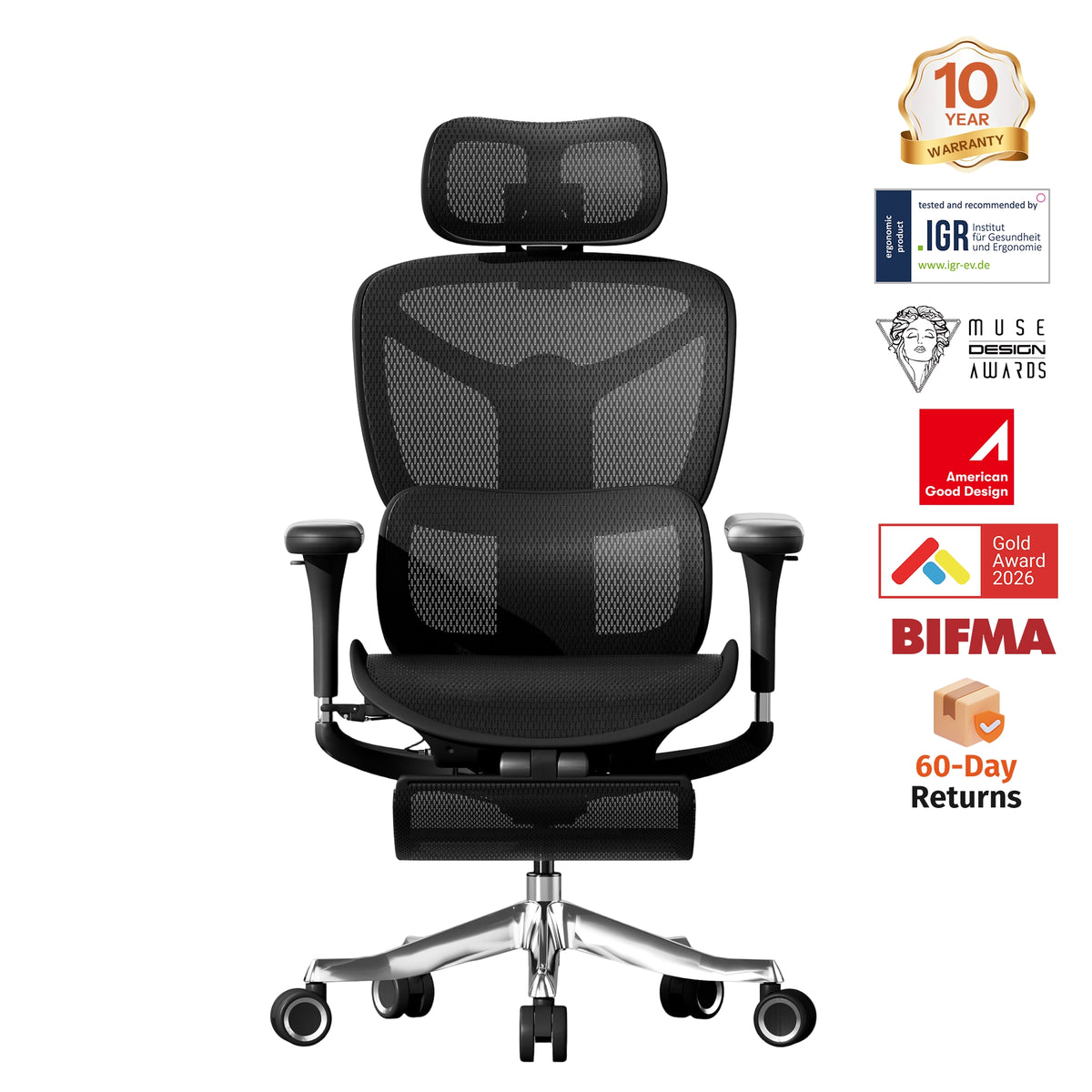
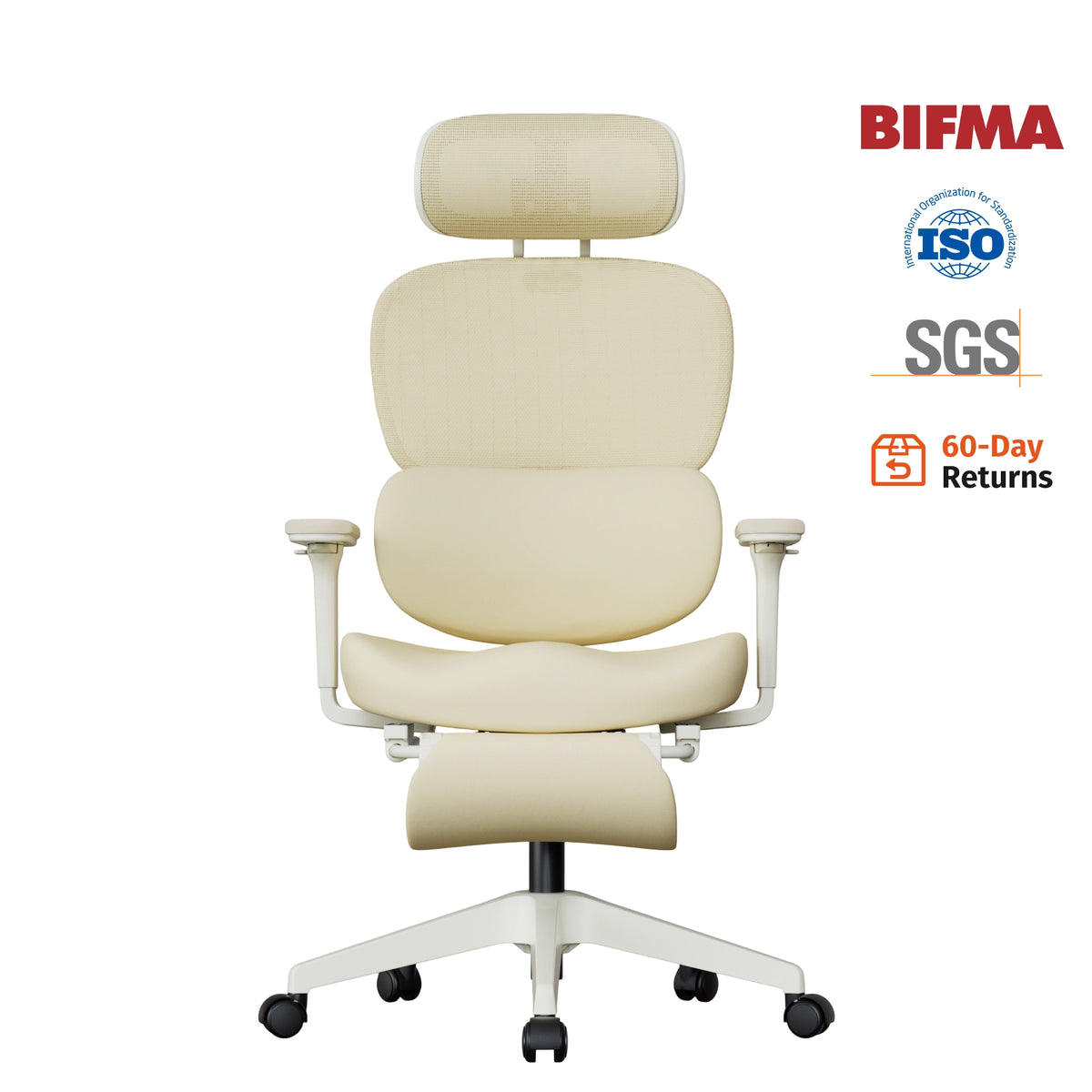
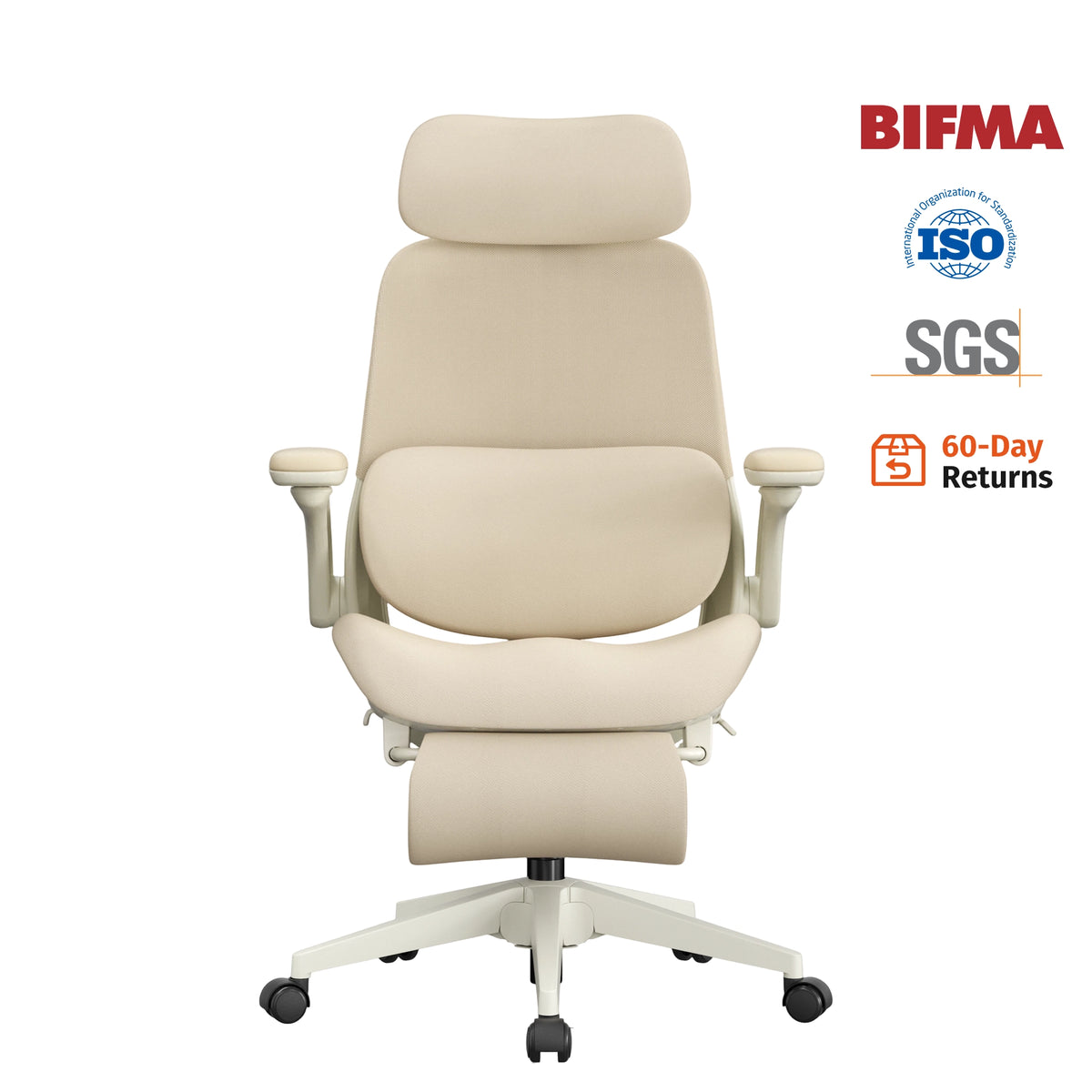
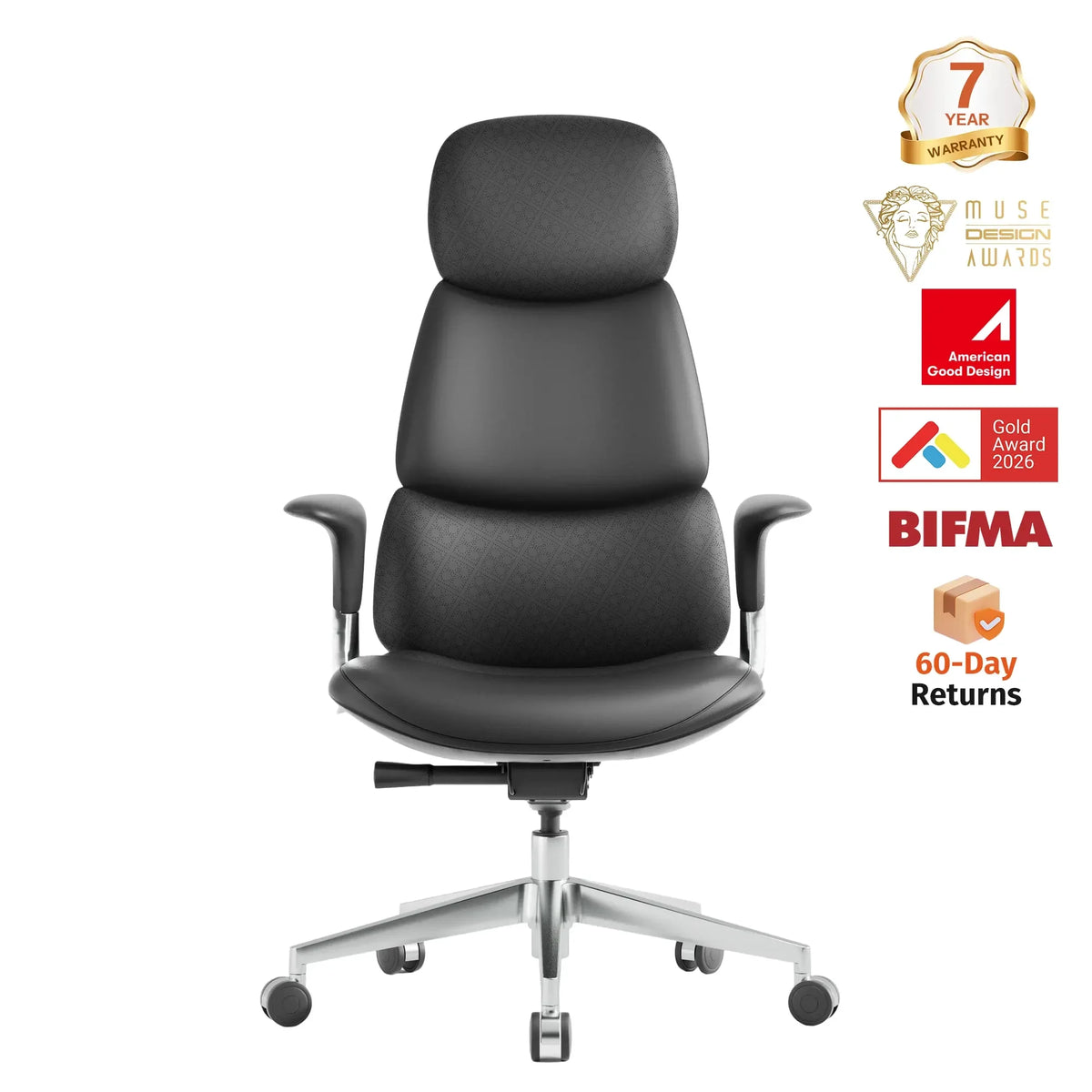
An ergonomics office chair is more than just a seat — it’s a tool designed to support your body while sitting for long periods. Unlike standard office chairs, ergonomic chairs are engineered to reduce stress on the spine, neck, shoulders, and hips by promoting healthy posture and movement.
Key characteristics of an ergonomic office chair include:
-
Adjustable seat height
-
Lumbar support for lower back
-
Adjustable armrests
-
Recline and tilt functions
-
Breathable, supportive cushion and backrest
-
Swivel base for mobility
These features work together to help you sit comfortably without straining muscles or compressing your spine.

Why Ergonomic Office Chairs Matter
The human body isn’t designed to stay in one position for hours at a time. Yet, most office workers spend a significant portion of their day sitting — whether at a desk, laptop, or dining table turned makeshift workspace.
Poor posture and long periods of sitting can lead to:
-
Lower back pain
-
Neck stiffness
-
Shoulder tension
-
Headaches
-
Reduced circulation
-
Fatigue and reduced productivity
Investing in an ergonomic office chair isn’t just about comfort — it’s about supporting your body to work better, longer, and without pain.
Ergonomic Office Chair Benefits
1. Reduced Back Pain
One of the most significant ergonomic office chair benefits is reduced back pain. Many studies show that properly supporting the lumbar spine reduces strain on muscles and discs.
Traditional chairs often lack lower back support, forcing your body to hold tension for extended periods. An ergonomically designed chair, especially one with adjustable lumbar support, maintains your spine’s natural curve and prevents slouching.
This makes the best office chair for back pain a worthwhile investment for people with chronic discomfort or those who work long hours seated.
2. Improved Posture
A good ergonomic chair encourages healthy posture by aligning your body correctly.
Proper posture:
-
Keeps your spine in neutral alignment
-
Reduces strain on the neck and shoulders
-
Improves breathing and circulation
-
Helps you stay alert and focused
Bad posture, on the other hand, often leads to:
-
Hunched shoulders
-
Forward head position
-
Compressed lower back
By providing the right support and adjustability, an ergonomic chair helps you avoid these common posture traps.

3. Increased Productivity
Yes, a comfortable seat can actually improve your work performance.
When your chair supports your body well:
-
You experience fewer distractions from discomfort
-
You can focus more easily on tasks
-
You feel less fatigued over long work sessions
This makes ergonomic seating a smart choice not just for health, but also for productivity.
4. Reduced Risk of Health Issues
Sitting poorly for long periods can contribute to health issues, including:
-
Cervical strain from forward head posture
-
Tension headaches
-
Circulatory problems in legs
-
Increased risk of musculoskeletal disorders
A quality ergonomic office chair promotes movement and posture changes, keeping your body engaged and reducing the physical toll of sitting.
5. Better Comfort for All‑Day Use
Not all ergonomic chairs cost a fortune. But the best ones combine thoughtful design, adaptable features, and quality materials to provide comfort — no matter how long your workday is.

Who Needs an Ergonomic Office Chair?
You might be wondering: Is an ergonomic chair really necessary for me? The short answer: yes, if you sit for work, study, or gaming for extended periods.
Here are some people who benefit most from ergonomic seating:
-
Remote workers and home office users
-
Students who spend long hours reading or studying
-
Gamers or streamers
-
Anyone with a history of back or neck pain
-
People who value comfort and productivity
Even if you don’t currently have pain, an ergonomic chair is preventative — helping you avoid discomfort as your work demands increase.
Features to Look for in the Best Office Chair for Back Pain
Not all ergonomic office chairs are created equal. Here’s what to focus on when choosing a chair that truly delivers ergonomic benefits:
Adjustable Lumbar Support
Lower back support is crucial. Look for chairs with adjustable lumbar pads or curved backrests that follow your spine’s natural curve.
Seat Depth and Height Adjustability
Your feet should rest flat on the floor, with knees at a comfortable angle. Adjustable seat height and depth ensure the chair fits your body, not the other way around.
Recline and Tilt Tension
The ability to recline with adjustable tension means your chair adapts to different tasks — whether focused work or relaxed reading.
Breathable Materials
Mesh backrests or breathable fabric prevent heat buildup, keeping you comfortable throughout the day.
Adjustable Armrests
Armrests that move up, down, and sideways allow you to support your arms and shoulders, reducing upper body tension.

Common Misconceptions About Ergonomic Chairs
There are a few myths that keep people from investing in a truly ergonomic office chair:
Myth #1: “All Office Chairs Are the Same”
False. Basic chairs lack adjustability and support. An ergonomic chair adapts to your body — not the other way around.
Myth #2: “Ergonomic Chairs Are Too Expensive”
While premium models can be pricey, many affordable ergonomic chairs offer excellent support and features. The key is choosing based on function, not price.
Myth #3: “Good Posture Alone Solves Back Pain”
Posture matters, but without proper support, muscles fatigue quickly. An ergonomic chair supports posture for longer periods.
Real Impact: What Users Experience
Many people who upgrade to an ergonomic office chair report:
-
Less back and neck pain
-
Better focus throughout the workday
-
Feeling more energetic after long sitting sessions
-
Fewer posture‑related headaches
-
Comfort that makes remote work more enjoyable
These results don’t just feel good — they help you sustain better work habits and reduce long‑term health risks.
Tips to Maximize Ergonomics in Your Workspace
An ergonomic chair is a big piece of the puzzle, but it works best with other adjustments:
1. Match Your Desk Height
Your desk should allow your forearms to rest comfortably parallel to the floor.
2. Position Your Monitor Correctly
The top of your screen should be at or slightly below eye level to avoid neck strain.
3. Take Frequent Movement Breaks
Even the best ergonomic office chair shouldn’t keep you in one position all day. Stand, stretch, and walk briefly every hour.
4. Use Accessories
Footrests, monitor stands, and keyboard trays can enhance your ergonomic setup.
Final Thoughts: Does a Good Ergonomic Office Chair Really Make a Difference?
Absolutely.
Investing in a quality ergonomics office chair is one of the most effective ways to support your body, reduce pain, and improve productivity — especially for those who spend long hours seated.
From significant ergonomic office chair benefits like reduced back pain and improved posture, to real improvements in comfort and focus, the right office chair can make a measurable impact on your daily life.
Whether you’re seeking the best office chair for back pain or simply want a more comfortable workspace, ergonomic seating is more than a luxury — it’s a smart investment in your health and wellbeing.


